Portal Customization
TaxBandits provides several customization options to ensure the W-9/W-8 collection experience reflects your brand. Before automating W-9/W-8 form collection through the TaxBandits API, you can customize the portal (secure URL) with your own branding.
These customizations are applicable to RequestByEmail, RequestByText, RequestByUrl, and RequestByBusinessUrl endpoints.
What can be customized
- Logo & Favicon - Set the logo and favicon to match your brand.
- Page Theme - Customize the primary color and the secondary color of the form page.
- Interview-Style - As an alternative to direct-form entry, provide your payees with an interview-style W-9/W-8 completion.
- ShowDownloadPage - Choose whether or not to provide your payees with the option to download their completed form.
- RedirectUrls (Applicable to RequestByEmail method) - Set the URLs to which you want the payees to be redirected once they complete/cancel the W-9/W-8 submission.
How to apply customization
There are two ways to apply portal branding:
Option 1 — Developer Console
- Log in to the Developer Console and navigate to Portal Customization
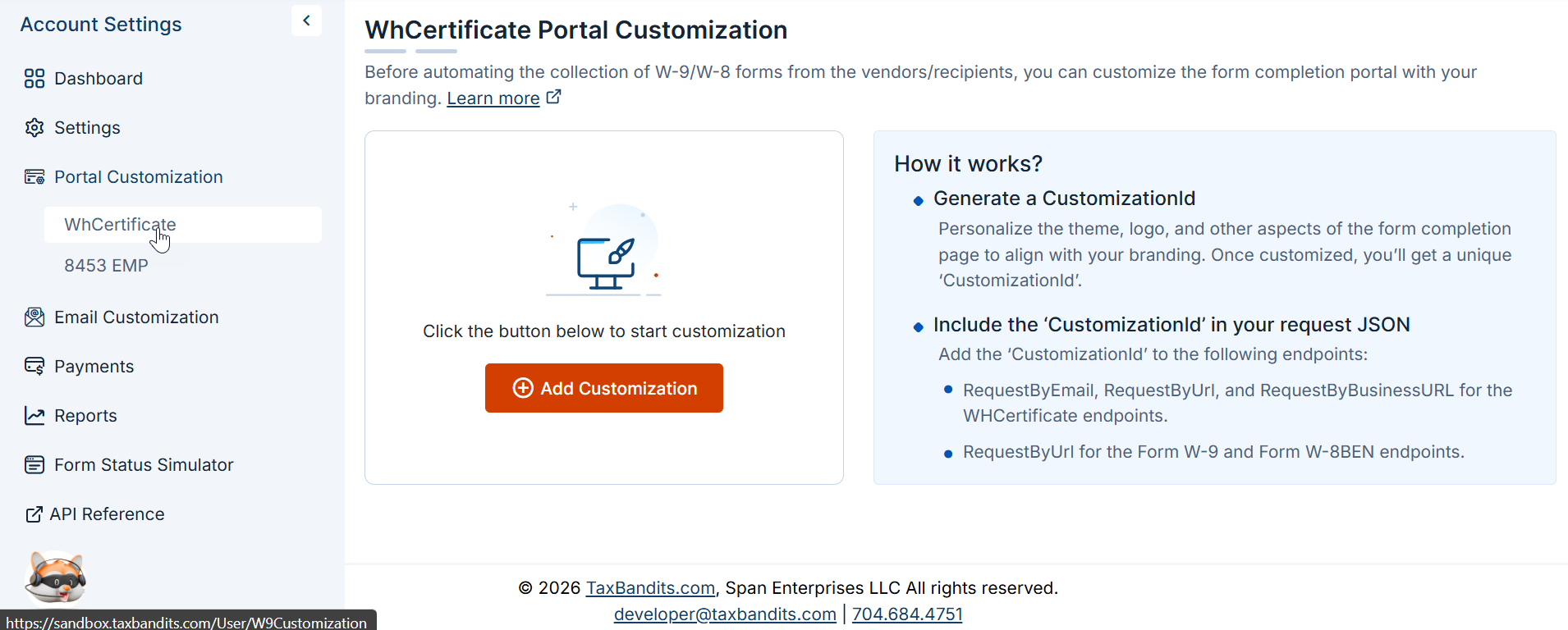
- Customize the portal as you want. This generates a
CustomizationId, which you then pass in the relevant API request.
Option 2 — Inline in the API request
Pass a Customization object directly in the request body for RequestByEmail, RequestByText, RequestByUrl, and RequestByBusinessUrl endpoints. This approach applies branding for that specific request without requiring a pre-configured CustomizationId.