Online Access for W-2 Form Copies
As an alternative to the traditional way of printing and mailing form copies to the recipients, you can opt for Online Access, which lets you distribute W-2 form copies digitally through a secure portal.
When Online Access is enabled, recipients receive an email with a link to a secure portal where they can:
- Provide consent to receive the forms electronically (As per the IRS guidelines in Publication 1179)
- Access and download their form copies
- Retain lifetime access to their forms once shared
According to IRS rules, you must obtain recipient consent before providing electronic copies. TaxBandits automatically handles this consent process as part of Online Access.
How it works
1. Enable Online Access
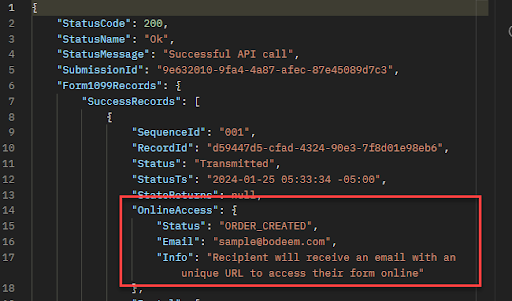
While creating a W-2 return, set the IsOnlineAccess node as TRUE and provide the recipient’s email address in the request JSON. Once transmitted, an Online Access order is automatically created.
2. Email Notification
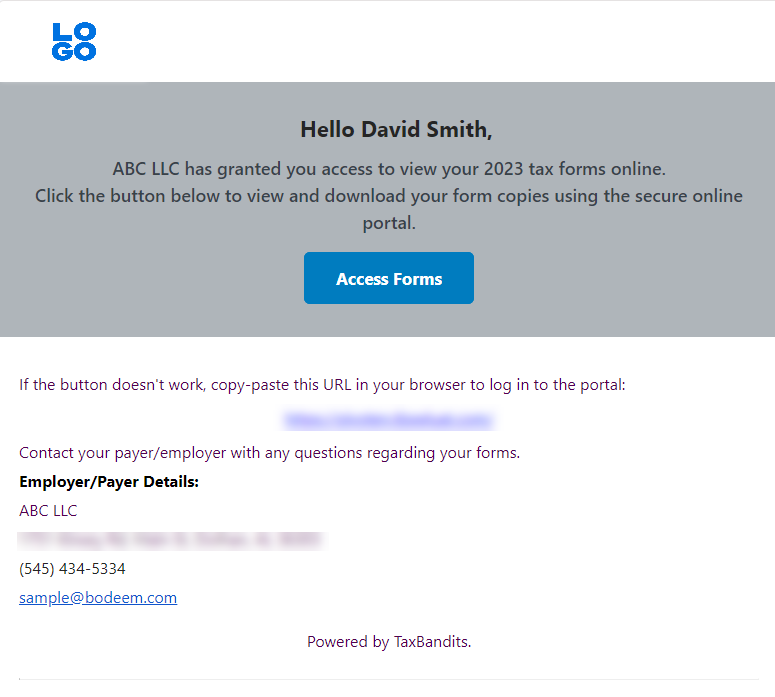
The recipient receives an email with a secure link to access the Online Access Portal.
3. Consent
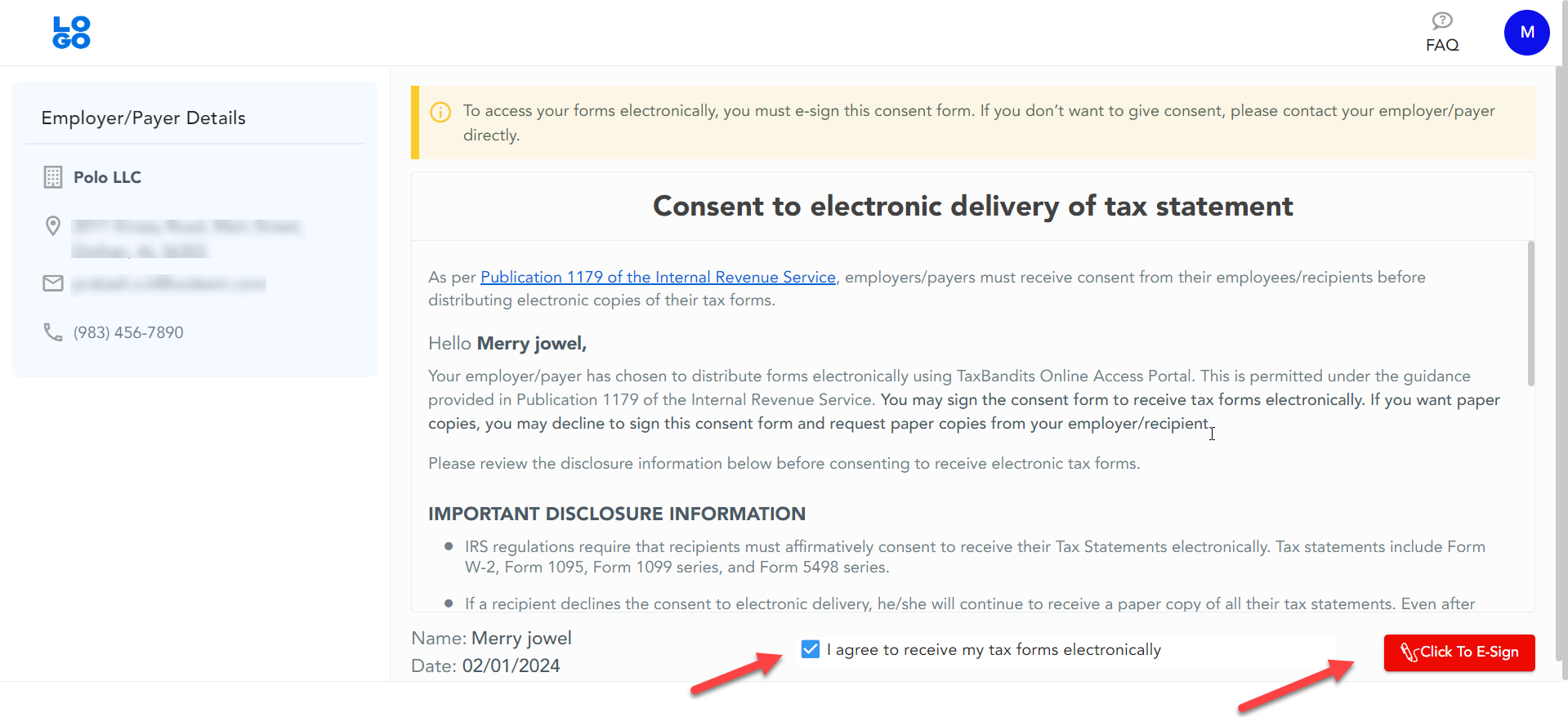
The recipient provides electronic consent to receive their forms electronically.
4. Identity Verification
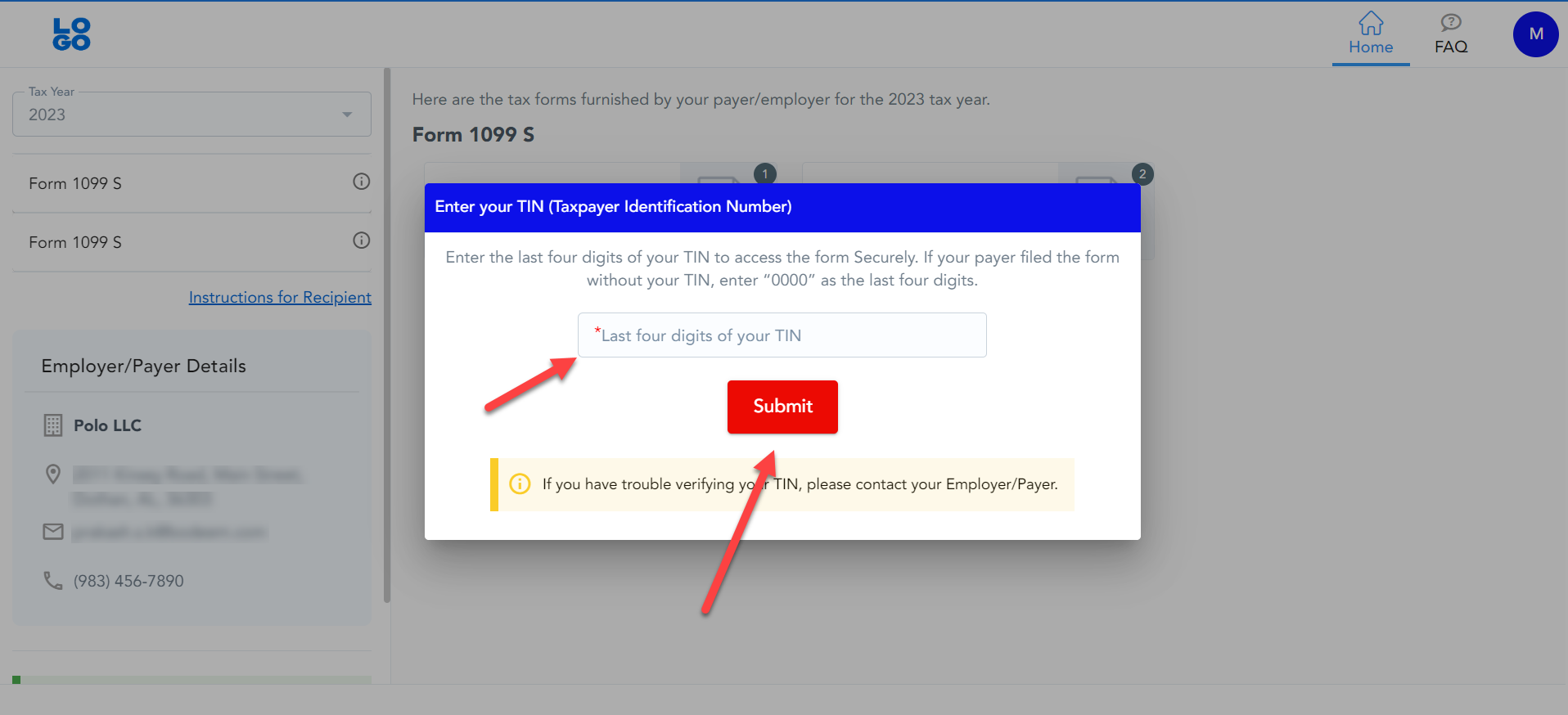
The recipient will be prompted to enter the last four digits of their TIN for verification.
5. Access and Download
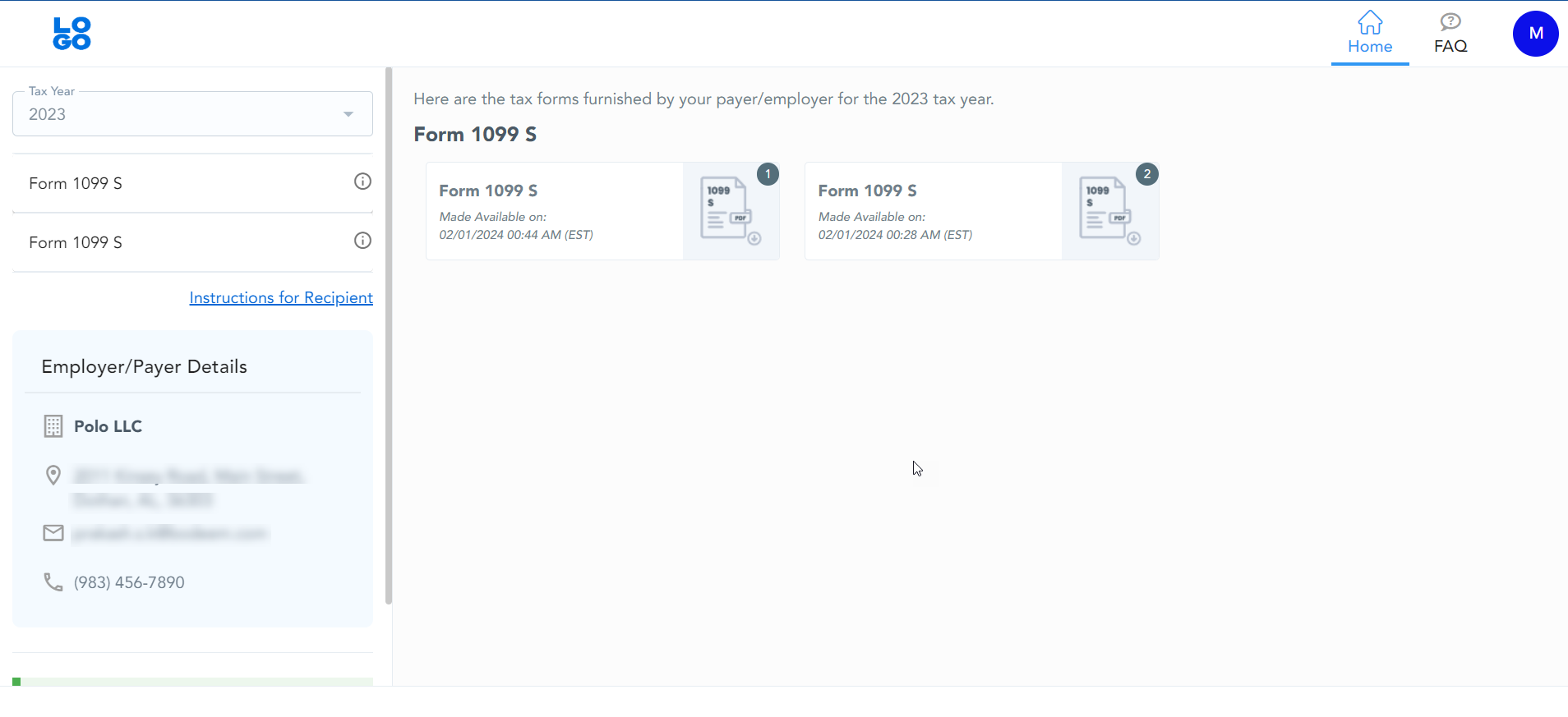
Once verified, the recipient can securely access and download their form copies anytime.