Domain Whitelisting
Here are the steps to whitelist your domain in Sandbox:
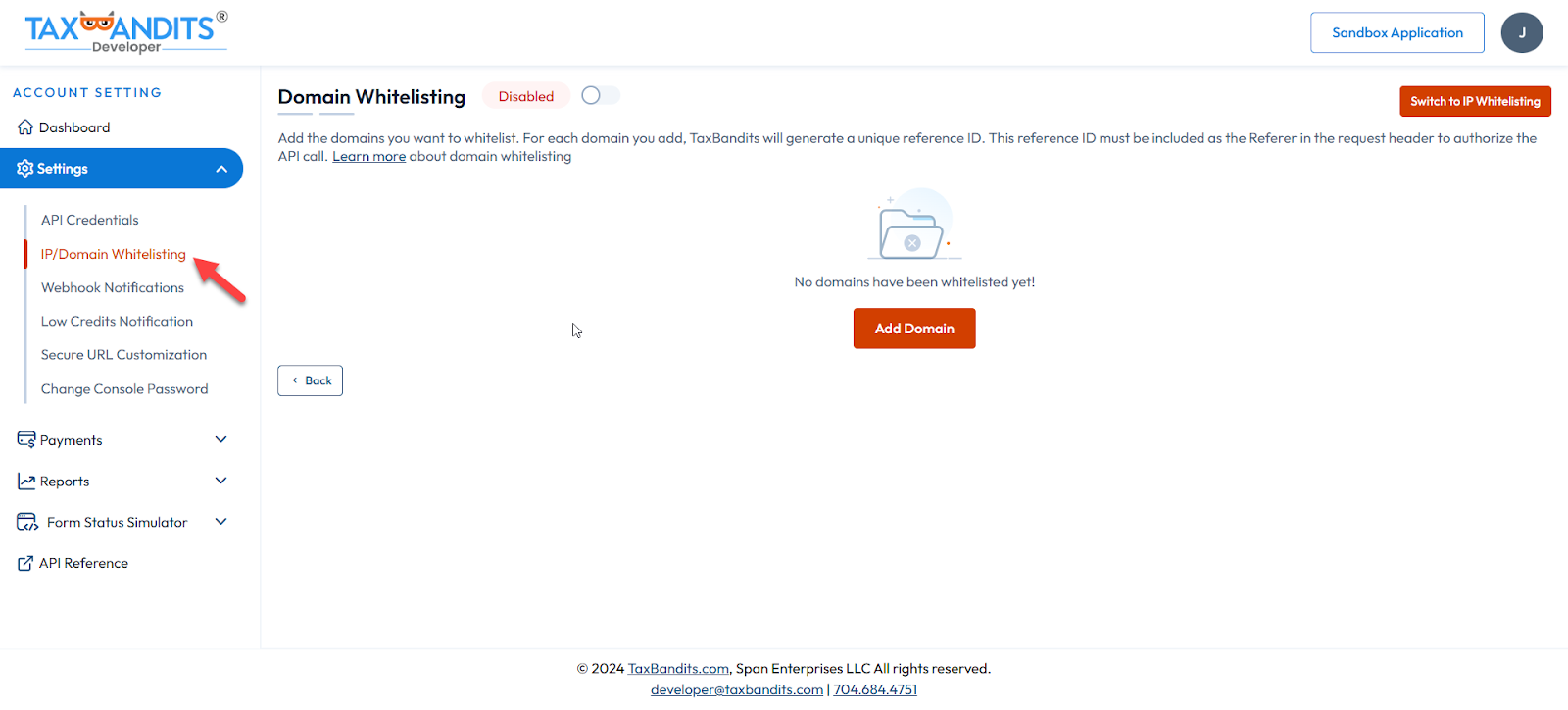
- From the console site (https://sandbox.taxbandits.com/), navigate to Settings >> IP/Domain Whitelisting.
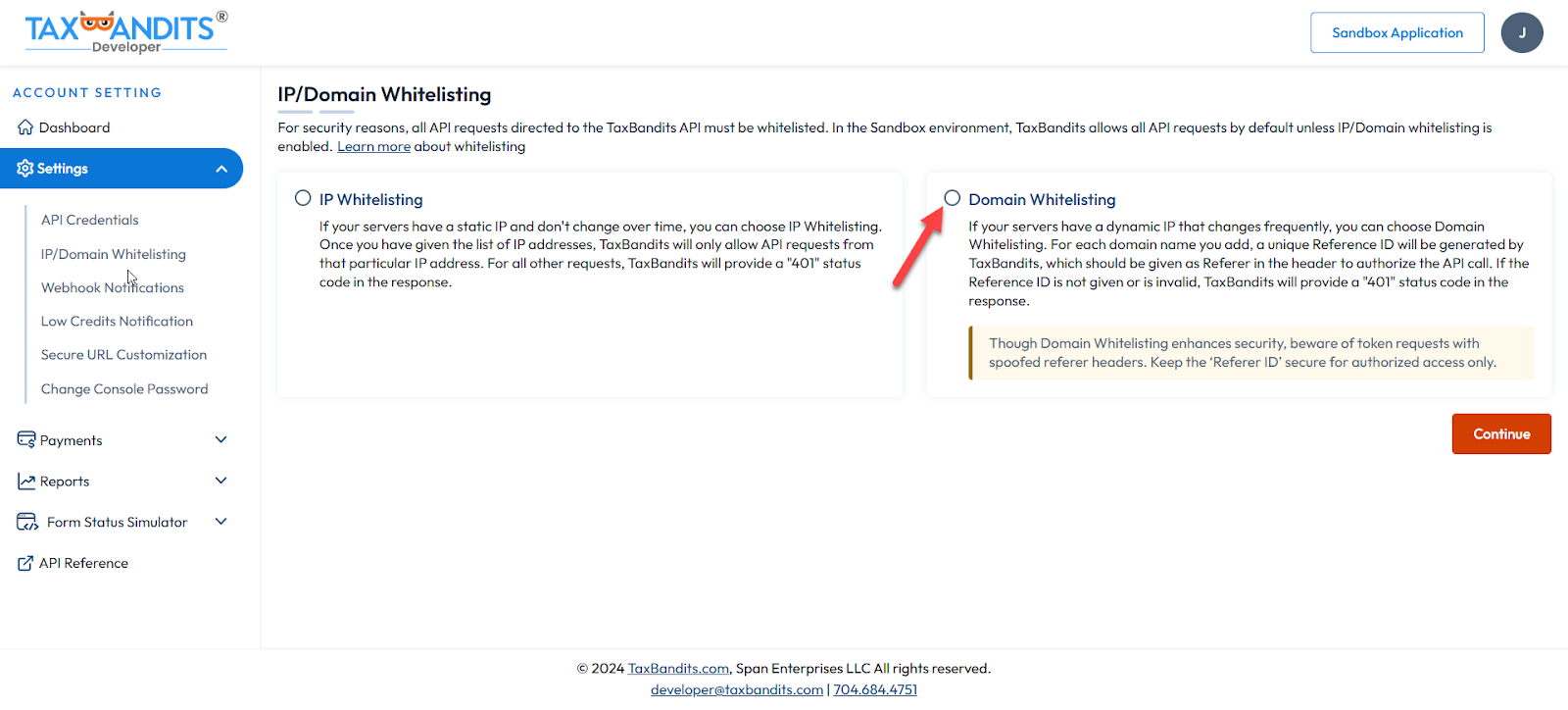
- Choose whether you want to whitelist the IP or Domain.
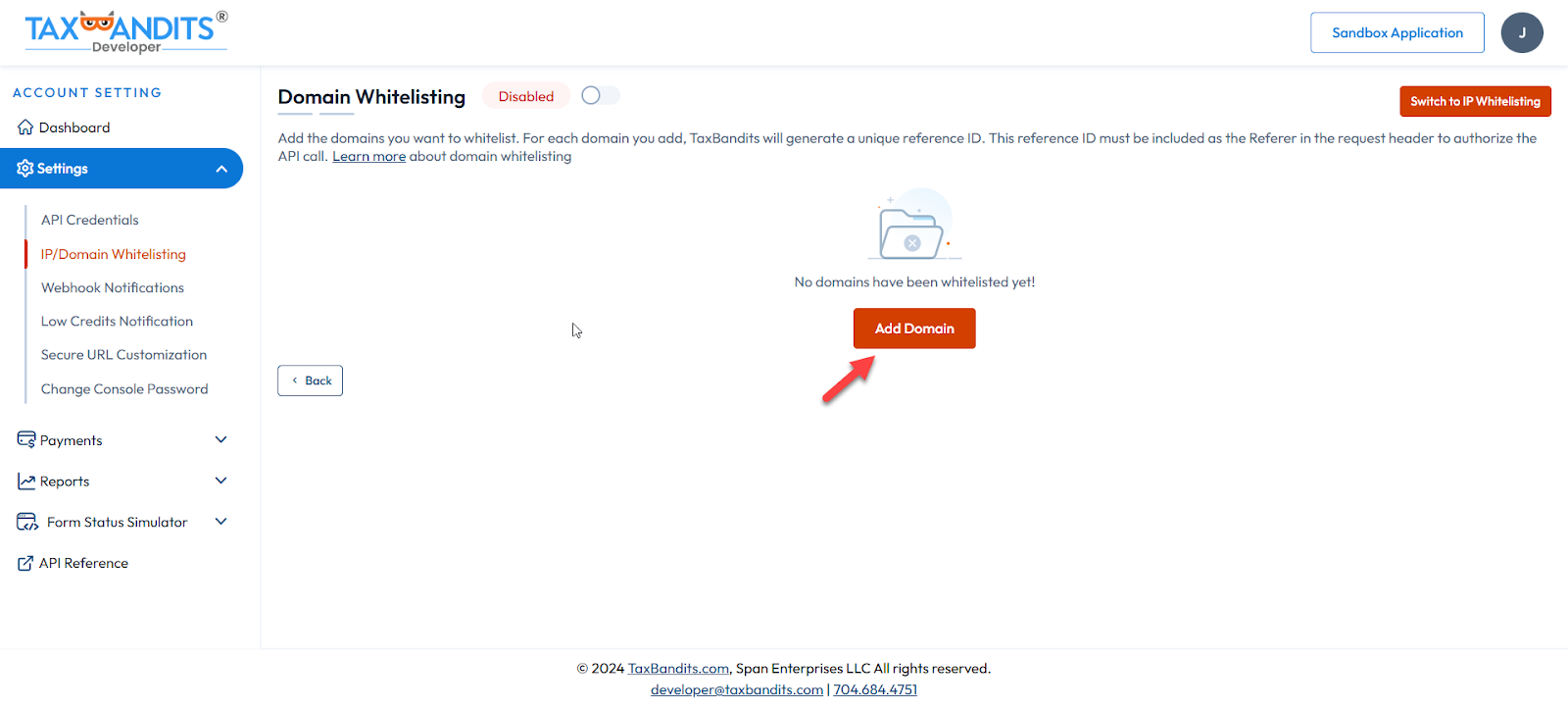
- Click the “Add Domain” button and save your domain name.
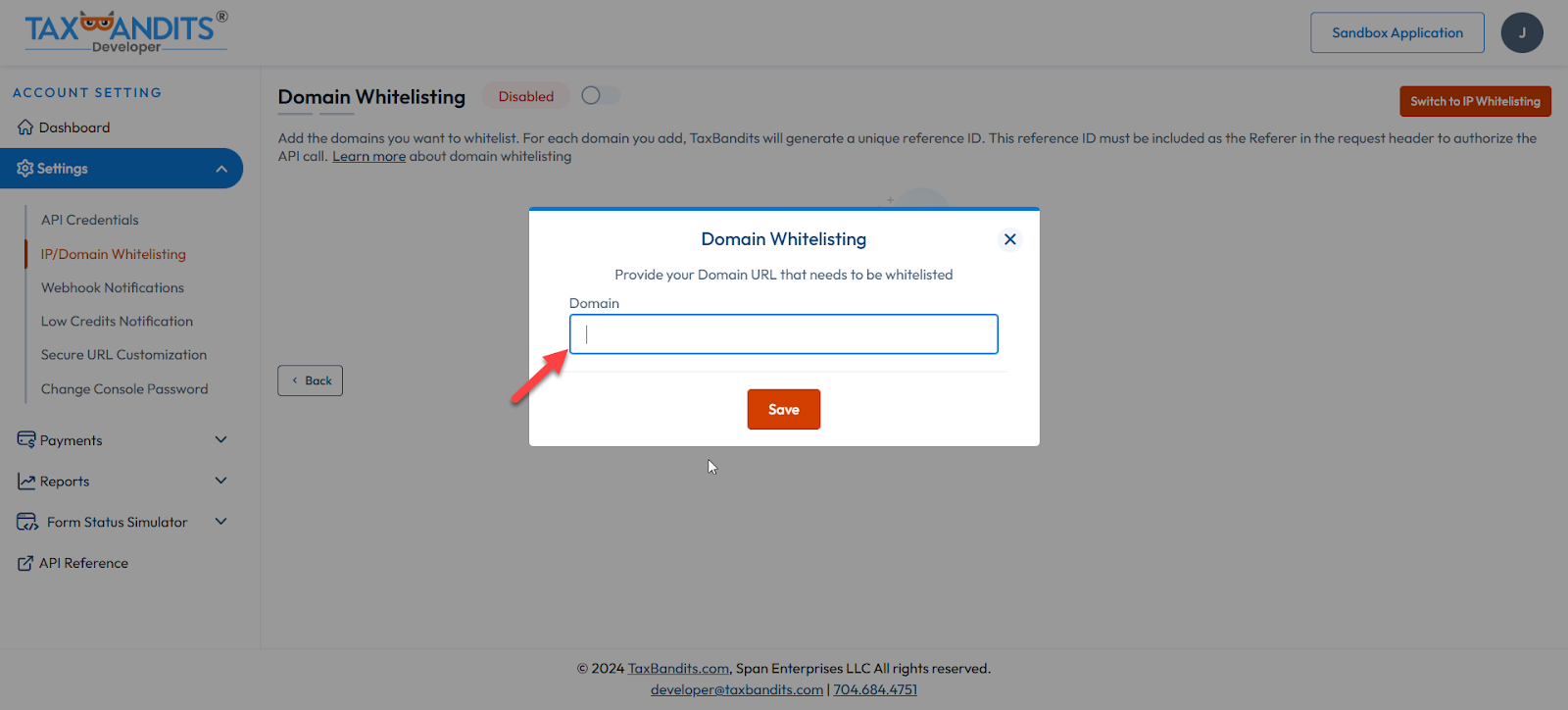
- A unique reference ID will be generated by TaxBandits.
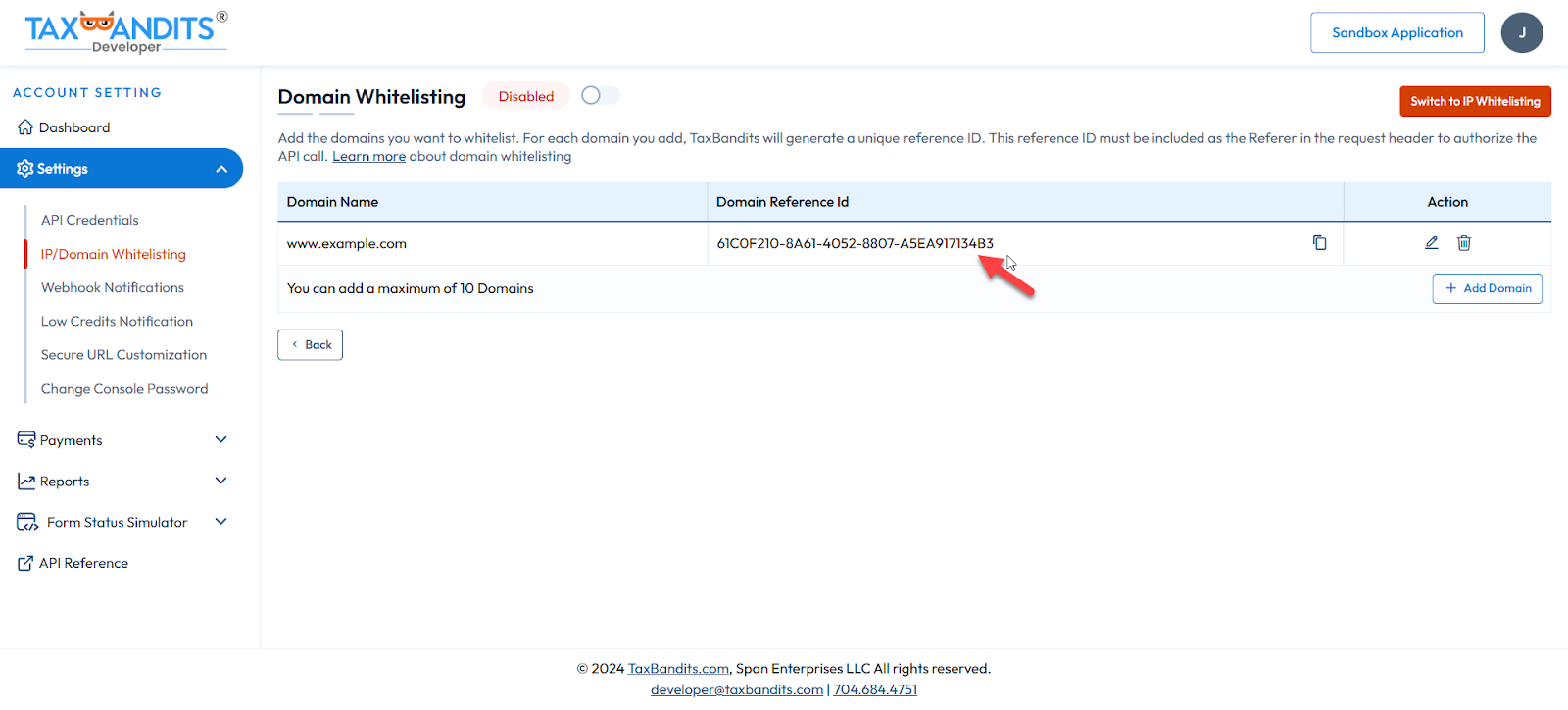
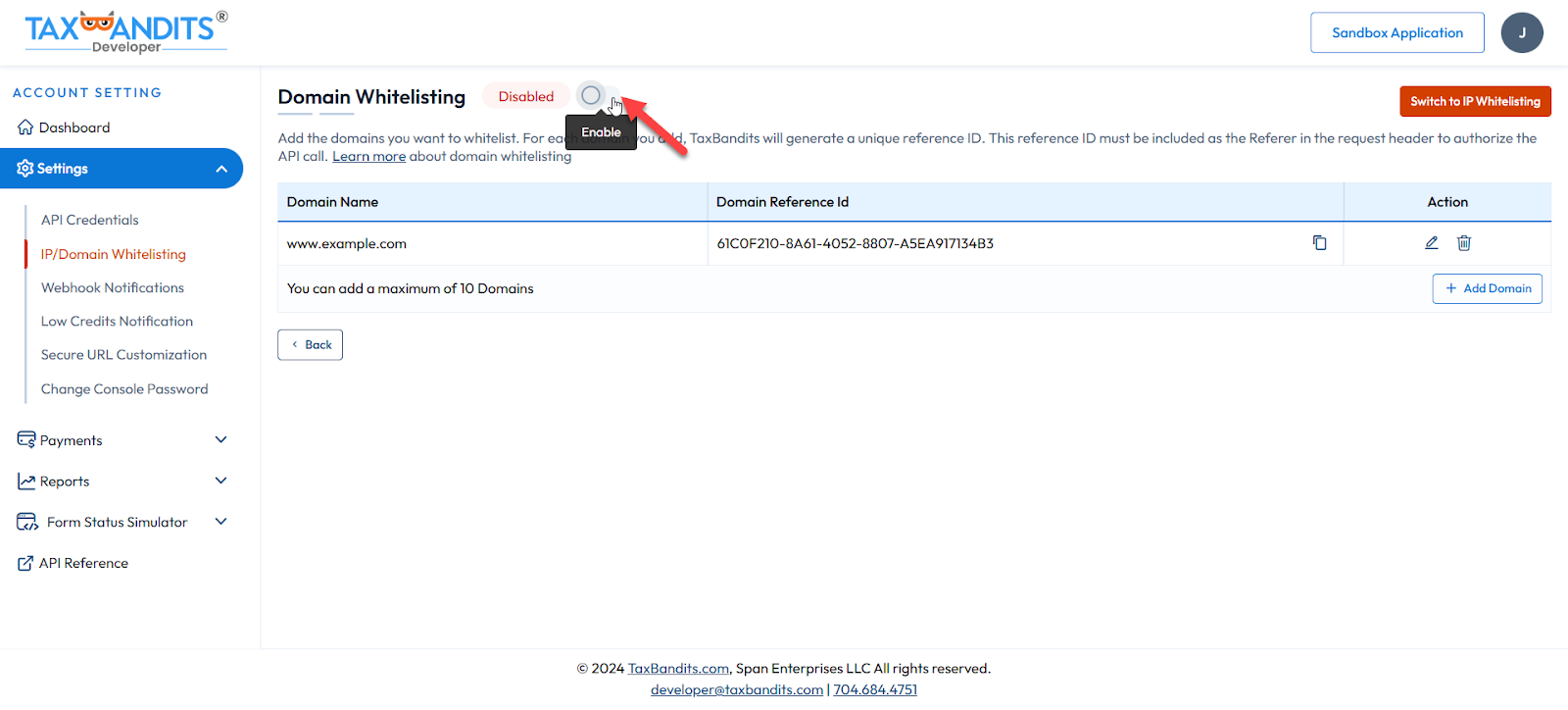
- Once added, you can click the ‘Enable Domain Whitelisting’ button to activate the Domain Whitelisting.
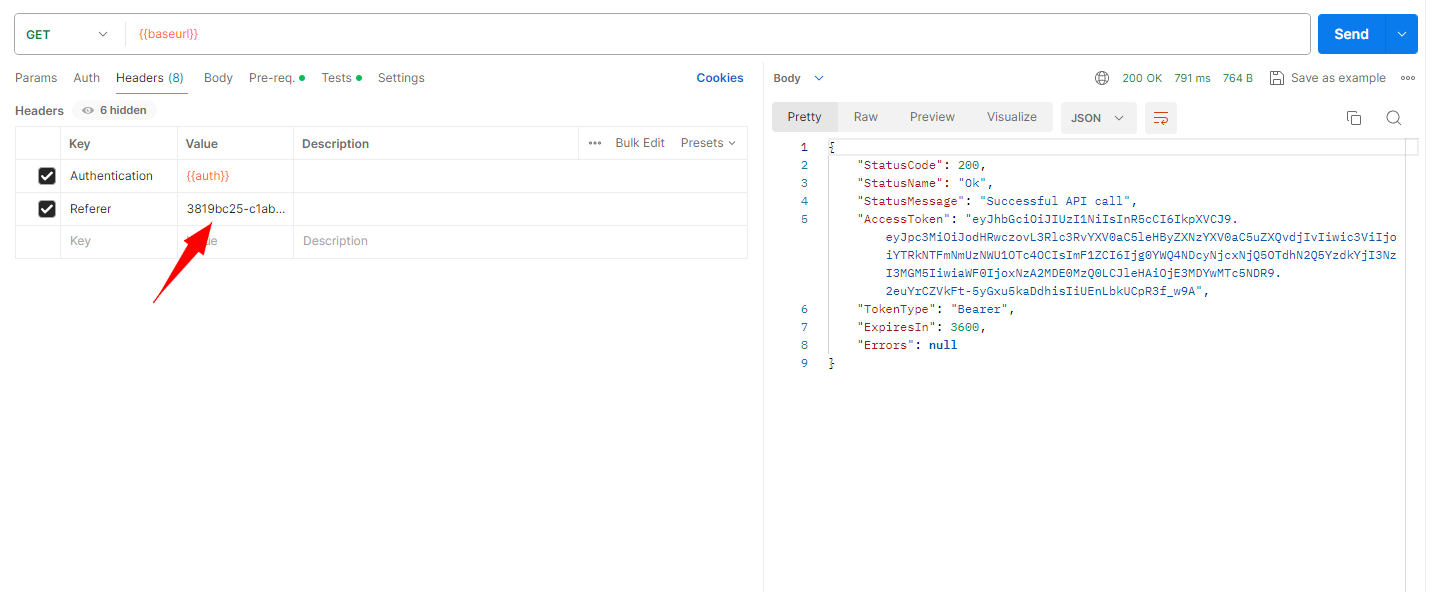
- The “Domain Reference Id” should be sent in each API call on the “Referer” node of the API header for both OAuth and API URLs.
Note:
To use domain whitelisting in Live, you must send a request to developer@taxbandits.com. Once approved, you can follow the same as followed in Sandbox.